You may start a well-designed website without spending too much. Affordable Web Development Services teams focus on the most important things that will speed up your site, make it easier to use, and increase conversions, all while keeping prices down. This article will show you how to design a lean construction, choose the right stack, and stay away from common budget traps so you can start your project right away.
Basic Ideas for Building at a Low Cost
When the scope is clear and the delivery is iterative, affordable projects work. Start with a focused MVP, make sure it meets the needs of real users, and then grow. Standardized parts, well-documented code, and a suitable tech stack (such a current CMS or headless system) make maintenance easy and upgrades in the future less expensive.
Picking the Right Service Model
Different models work better for different budgets and levels of risk. Fixed-scope packages have set prices for sites with clear needs, while time-and-materials packages can change as needs change. Dedicated teams can speed up complicated builds; just make sure you check the sprint cadences, reporting, and acceptance criteria before the start.
Features That Are Must-Haves that Go Above and Beyond
Look for features that provide value over time. Responsive design, fast-loading pages, good on-page SEO, and basic accessibility (WCAG-aligned) all give you a quick return on investment. Affordable Web Development Services that grow without major changes include structured data, analytics, and an easy way to amend content.
Tech Stack: Useful, Not Fashionable
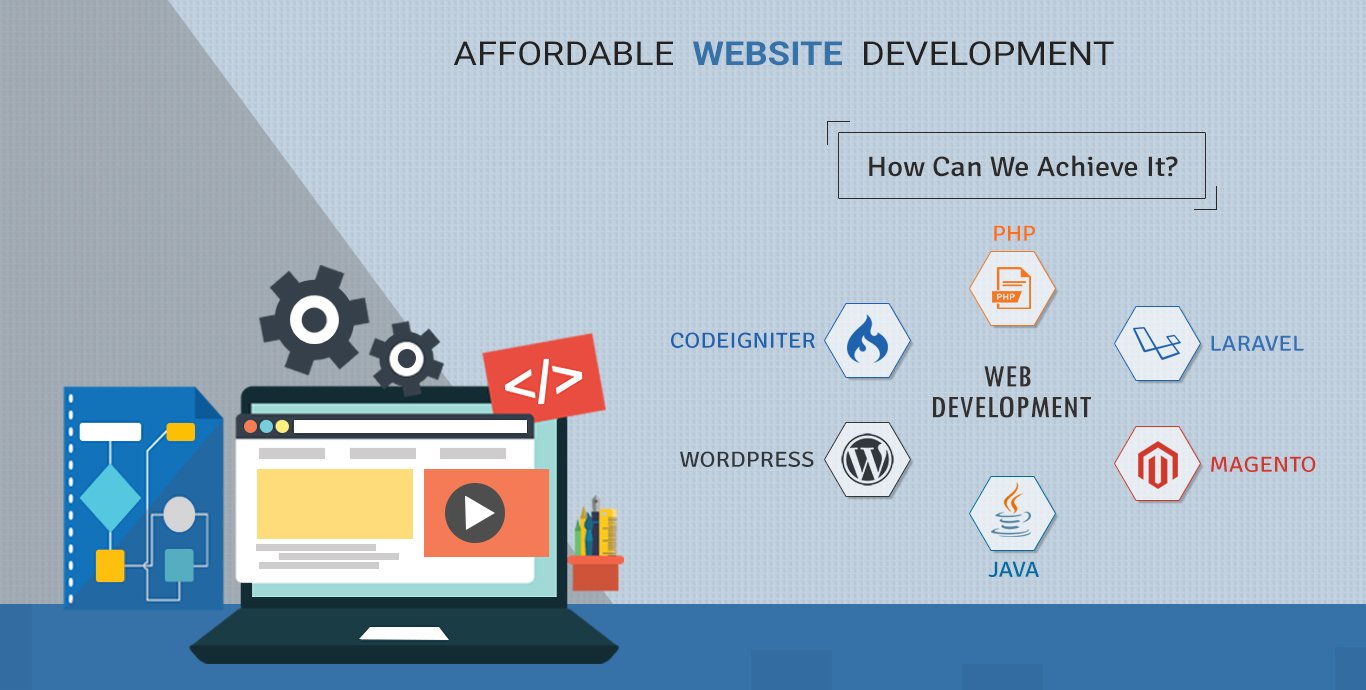
Choose tools that your team can help with. A good CMS (like WordPress with current blocks, Webflow, or a lightweight headless CMS) is a good blend of affordability and flexibility for many small to mid-sized sites. For web apps, using proven frameworks like Next.js, Remix, or Laravel with component libraries can speed up the building process without lowering the quality.
Design on a Budget: Systems Instead of One-Offs
Design systems help you save time and money. Begin with a simple brand kit, parts that can be used over and over again, and standards for spacing and typography that are always the same. You’ll get things done faster, avoid having to redo things, and keep your Affordable Web Development Services project focused on how it affects users instead of pixel arguments.
Performance as a Way to Save Money
Sites that load quickly convert better and are cheaper to run. Optimize images, use caching and a CDN, and cut down on third-party scripts. Address Core Web Vitals early on; it’s far cheaper to fix them after launch than to add them later.
Do It Early for Accessibility
Making your content accessible to more people lowers your legal risk. Use semantic HTML, make sure the colors are easy to see, let them navigate with the keyboard, and add alt text. Accessibility is a natural aspect of Affordable Web Development Services, not an expensive afterthought, thanks to automated testing technologies and simple manual assessments.
SEO Basics That Won’t Cost You a Fortune
Good cleanliness is the most important part of solid technical SEO. Strong crawl pathways are made by using clean URLs, logical headings, rapid rendering, and internal linking. Add descriptive meta tags, schema for important pages, and an XML sitemap to assist search engines comprehend your material.
Workflow for content and CMS
The stuff you can post is what makes your site great. Choose a CMS that editors who aren’t technical may use without having to call a developer every time they want to make a change. Make templates for important sorts of pages and a checklist for publishing to keep things consistent and quick.
Basic security for peace of mind
It shouldn’t be up to you to choose security. Use HTTPS, maintain your dependencies up to date, and host your site with a reliable company that backs it up every day. Professional, Affordable Web Development Services always have role-based access, strong passwords, and a straightforward plan for what to do in case of an issue.
Budget Planning: Where the Money Goes
Expect most of the money to go toward discovery, design, development, and QA. Set aside 10–20% for unexpected costs and improvements after launch. Set a tiny monthly budget for hosting, maintenance, and monitoring. tiny recurring costs can help you avoid big problems later.
You Can Trust Quality Assurance
It’s not expensive to have good QA; it’s just disciplined. Set acceptance criteria for each feature, test it on popular browsers and devices, and automate tests when you can. Use a shared tool to keep track of problems so that fixes happen on time.
After the launch: maintenance that lasts Value
Make a plan for minor, regular upgrades. Keep an eye on analytics, repair mistakes fast, and keep making changes to important sites like pricing or contact. Think of your website like a product. The most Affordable Web Development Services feature a growth backlog and a monthly evaluation.
Things to Avoid at All Costs
Be careful of plugins that haven’t been checked out, unclear scopes, and performance budgets that you skip. Don’t put off making content or only use stock photos. Don’t rely on just one person; basic paperwork and handoff materials will preserve your investment.
Quick Checklist (Copy and Use)
- Clear goals, audience, and key performance indicators
- Templates for prioritized scope and pages
- CMS that editors can really use
- Built-in performance, accessibility, and SEO
- There are backups, security, and monitoring in place.
- Plan for the launch, analytics, and growing backlog
FAQs
- Can affordable sites still look premium?
Yes. Reusable components, good spacing, and strong typography create a polished feel without custom work on every element. - What CMS should I pick on a budget?
Choose a tool you can maintain. WordPress with modern blocks, Webflow, or a small headless CMS are common fits for Affordable Web Development Services. - How fast can I launch a basic site?
A focused starter site often ships in three to five weeks, depending on content readiness and approvals. - What costs continue after launch?
Hosting, updates, security patches, and small improvements. Plan a light monthly budget to keep quality high. - How do I measure success?
Track form submissions, sales, call clicks, and Core Web Vitals. Review monthly and adjust pages that drive results. - Do I need a custom design?
Not always. A tailored theme with a small design system can look unique and cost less than a full custom build. - How do I keep performance strong over time?
Use image compression for each upload, review third party scripts quarterly, and monitor Web Vitals in analytics. - What is the safest way to use plugins?
Install only trusted plugins, keep them updated, and remove ones you no longer use. Fewer plugins mean fewer issues. - Can I start small and add features later?
Yes. Launch a lean site, then add a blog, calculators, or gated content once you see traction. - What about accessibility audits?
Do a light audit before launch and a deeper one annually. Fix critical issues first, then improve patterns across templates. - How do I control scope creep?
Set a change process. If a new idea appears, compare it to goals and either swap it in for a lower-value item or schedule it later. - Will a low budget hurt SEO?
Not if you follow fundamentals. Clean structure, quality content, and fast pages can outrank larger sites that ignore basics.
Conclusion: Build Smart, Spend Wisely
You do not need a large budget to create a fast and trustworthy website. The best Affordable Web Development Services focus on essential features, strong performance, and a CMS you can manage. Start with a lean scope, ship quickly, and improve with real data.
Ready to move? Request a simple site plan or book a short discovery call and begin your project today.